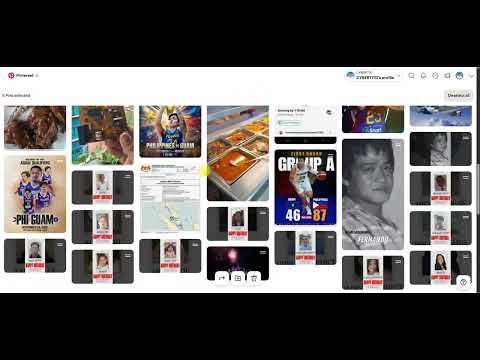
How to mass delete pins?
1. Navigate to your Pinterest Board
2. Click Organize at the top of the page
3. Select multiple pins at once
4. Click the Trash icon to delete
Simple, clean, and fast!
Like and follow for more tech shortcuts! 
#PinterestHacks #HowTo #TechShortcuts #Minimalism #PinterestAdmin #CleanUp #DigitalArchive #Pinterest2026

No comments:
Post a Comment